
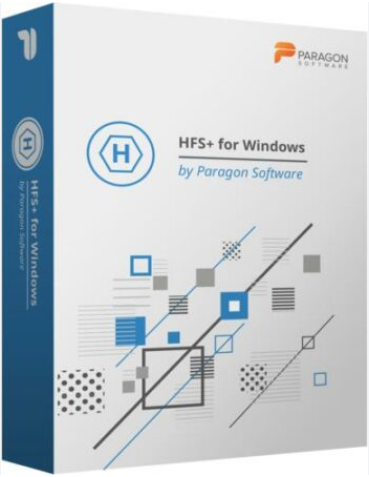
HFS+ for Windows by Paragon Software - License
Paragon Technologie GmbH
37.95 CHF
for EU and non-EU countries (except Switzerland) including 0% VAT
41.03 CHF
for Switzerland including 8.1% VAT
Free electronic delivery - 1-3 working days
Can't find what you are looking for? Contact us through chat widget,
support form
or
email
HFS+ for Windows by Paragon Software enables seamless integration of Mac-formatted HFS+ drives into Windows environments, providing full read and write access with exceptional performance and stability.
- Full Read/Write Access to HFS+ Partitions: Effortlessly read, edit, delete, rename, and create files on HFS+ formatted drives directly from Windows, ensuring smooth cross-platform data management.
- Automatic Mounting of HFS+ Volumes: HFS+ partitions are automatically mounted at startup, appearing in Windows Explorer like native drives, eliminating manual intervention and streamlining workflow.
- High Performance and Stability: Experience transfer rates comparable to native file systems, even with large media files, ensuring efficient and reliable data handling.
- Support for Journaling: Maintains the integrity of HFS+ file systems by supporting native journaling, which helps prevent data corruption and facilitates easy recovery in case of system failures.
- Compatibility with Apple Boot Camp: Fully compatible with Apple Boot Camp, allowing direct read and write access to Mac partitions from Windows installed on Boot Camp, enhancing dual-boot system functionality.
- International Character Support: Supports all character sets, including non-Roman characters, ensuring accurate display and access to file names on HFS+ volumes, regardless of language.
- Broad Windows Compatibility: Compatible with a wide range of Windows operating systems, including Windows 11, 10, 8/8.1, 7 SP1, and various Windows Server editions, ensuring versatility across different platforms.
- Resource Efficiency: Designed to use minimal processor, memory, and disk resources, ensuring that system performance remains optimal during operation.
- Easy Installation and Use: Simple installation process with an intuitive user interface allows users to connect HFS+ drives and access files without additional configuration, facilitating immediate productivity.